
Quick start

Start in under a minute

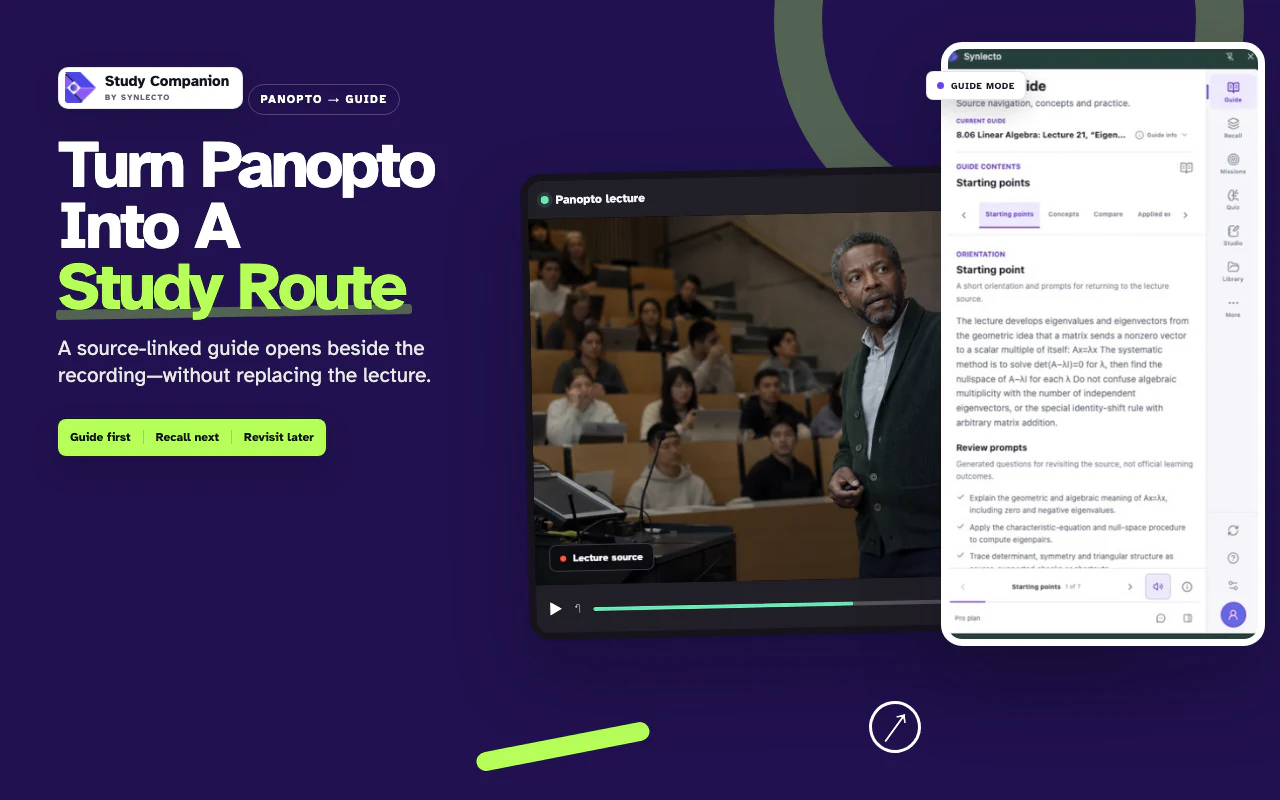
Study Companion is the recommended route for Canvas, Blackboard, Moodle, Brightspace, Panopto, and YouTube lectures. Open the actual player before creating.

Step 1

Use Study Companion

Best for lecture platforms. Add Study Companion, then open or expand the actual video player before creating.

Use Study Companion

Best first-guide quality from live lecture context.

Checking Study Companion status…

Step 2

Try a sample guide

See the full learning loop before uploading anything.

Browse library

Fastest way to understand flashcards, missions, and due-now rhythm.

Step 3

Create from file or pasted text

Upload a PDF, Word file, transcript, or paste notes to create a source-linked guide.

Go to createGo to dashboard

Good backup path when lecture capture is unavailable.